
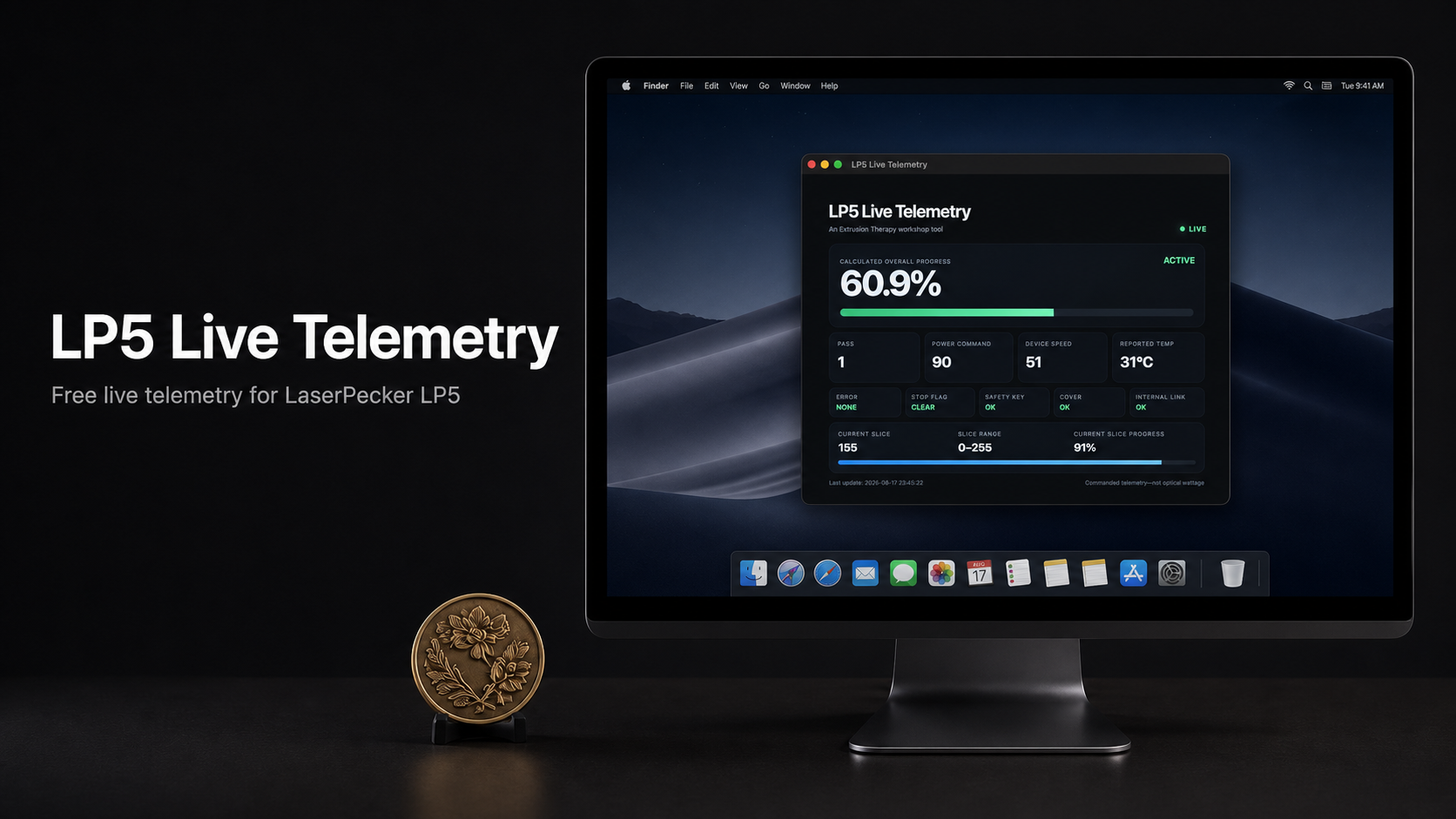
LP5 Live Telemetry
A free desktop telemetry monitor for the LaserPecker LP5, created by Extrusion Therapy.
LaserPecker Design Space shows basic job progress, but much of the machine information remains hidden in the background. LP5 Live Telemetry turns that information into a clean, resizable dashboard that you can leave visible while LaserPecker Design Space stays minimized.
What It Displays
- Calculated overall progress across the complete relief job
- Current slice number and slice range
- Progress within the current slice
- Active, paused, ready, transition, and idle states
- Current pass
- Commanded laser power
- Device speed
- Reported machine temperature
- Error status
- Stop flag
- Safety-key status
- Cover status
- Internal connection status
- Timestamp of the latest telemetry update
How It Works
LP5 Live Telemetry is a read-only companion application. It reads the live telemetry records created by LaserPecker Design Space and presents the useful information in a dedicated window.
LaserPecker Design Space must remain open and connected to the LP5 while a job is running, but you can minimize it and use LP5 Live Telemetry as your primary job-status display.
The telemetry app does not alter your project, control the laser, pause or stop a job, or change any machine settings.
Downloads
Choose the build for your platform. Downloads are free and are not gated behind payment.
macOS
Apple-silicon Macs
File: LP5 Live Telemetry 1.0.3 Mac arm64.dmg
Windows
64-bit installer
File: LP5 Live Telemetry Setup 1.0.3 Windows x64.exe

Support Future Tools
LP5 Live Telemetry is free. If it helps in your shop, you can support future workshop tools.