
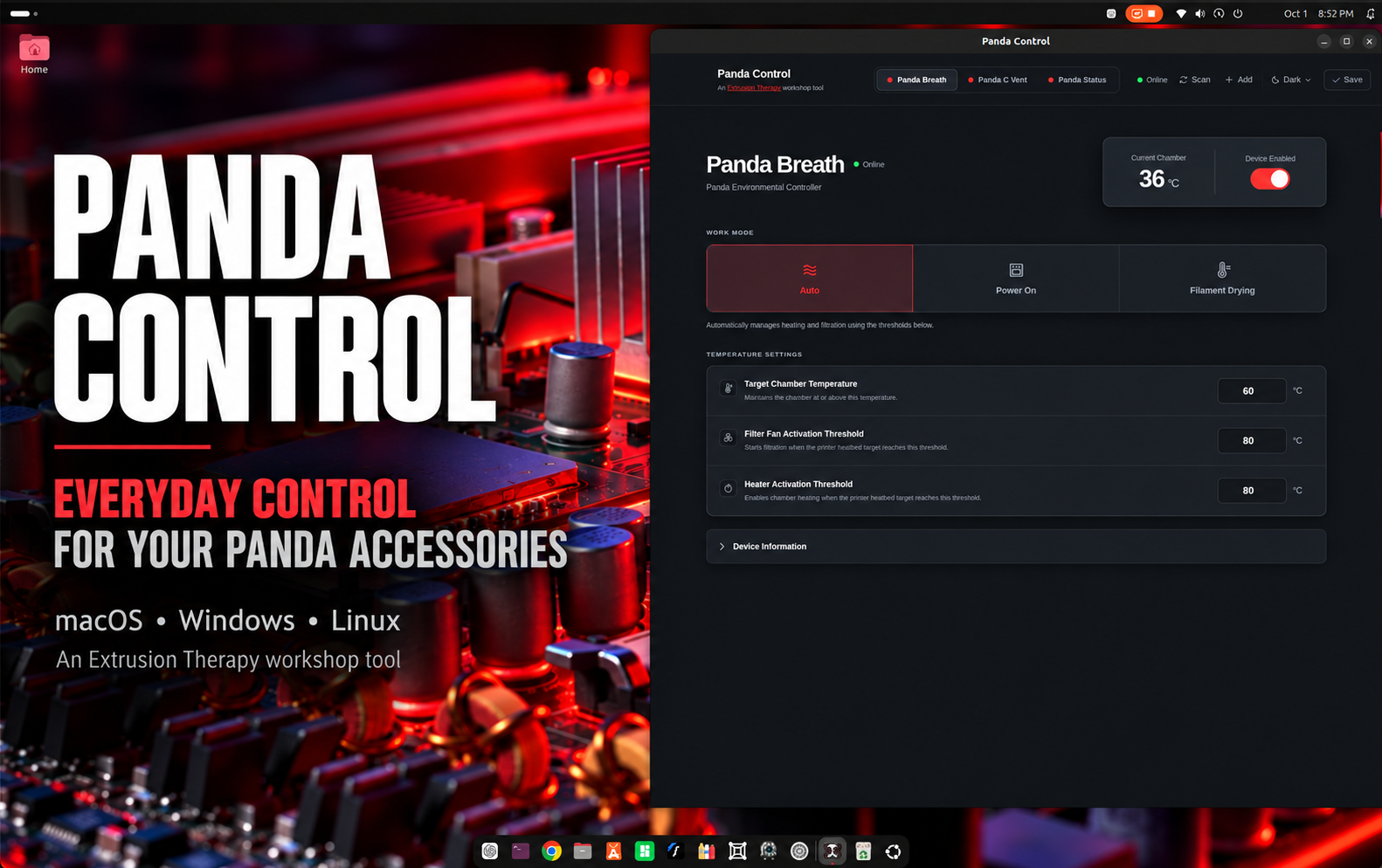
Panda Control
Everyday control for supported Panda accessories after factory setup.
Panda Control gives you one desktop interface for managing your supported BIQU Panda devices—without remembering individual IP addresses. It supports Panda Vent, Panda Control Vent custom firmware, Panda Status, and Panda Breath.
Additional Panda devices may be supported as the developer gains access to them.
What It Does
- Panda Status: Control brightness, music mode, and printer-status colors.
- Panda Breath: Control power, operating modes, temperature settings, and filament drying.
- Panda Vent: Control lighting, colors, effects, brightness, and printer-follow behavior.
- Panda Control Vent: Control vent position, automatic operation, vent lighting, and independent chamber lighting.
How It Works
Complete each accessory's normal factory setup first so it has joined the local network and is already bound to its printer. Panda Control is designed for everyday management after that setup is finished.
Press Scan to find supported devices, or use Add if you already know the device address. Saved devices remain available between launches.
Select a device tab, change its settings, and press Save.
Downloads
Choose the current stable build for your platform. All downloads are free.
macOS
Apple-silicon Macs · signed and notarized
File: Panda-Control-macOS-arm64.dmg
Windows
64-bit installer
File: Panda-Control-Windows-x64.exe
Linux — Debian/Ubuntu
64-bit x86 DEB package
File: Panda-Control-Linux-amd64.deb
Linux — AppImage
64-bit x86 portable application
File: Panda-Control-Linux-x86_64.AppImage

Support Future Tools
Panda Control is free. If it helps in your shop, you can support future Extrusion Therapy workshop tools.